Workshop Overview
Learning Objectives
By the end of these three workshops, you will be able to:
- Write effective prompts for AI tools using the prompt formula (context + task + constraints + format)
- Create data visualizations with ggplot2 by describing your intent to an AI
- Build a complete data analysis workflow from data loading to visualization using Cursor
Workshop Structure
| Workshop | Focus | Duration | Key Skill |
|---|---|---|---|
| 1. Fundamentals | How to ask good questions | 30 min | Writing better prompts |
| 2. Data Analysis & Visualization | Creating charts with AI | 30 min | Building visualizations |
| 3. Building with AI | Complete analysis | 30 min | End-to-end workflow |
Setup
Install Cursor
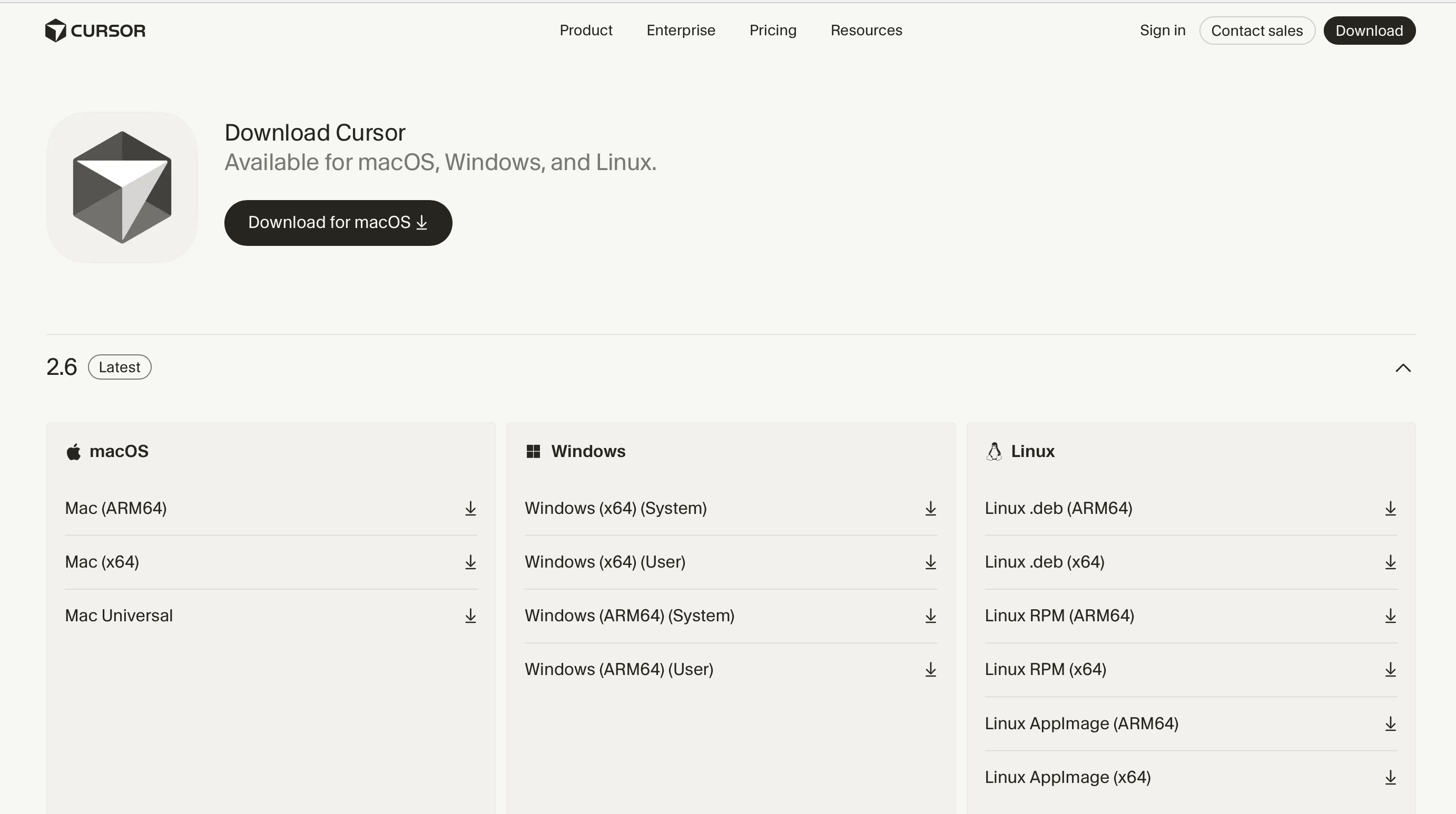
- Go to cursor.com
- Click Download and select your OS (Mac, Windows, or Linux)
- Install and open Cursor
- Create/sign in with an account
- Verify Chat works: Press
Cmd+L(Mac) orCtrl+L(Windows/Linux)
Start Learning
Loading last updated date...