Labelling
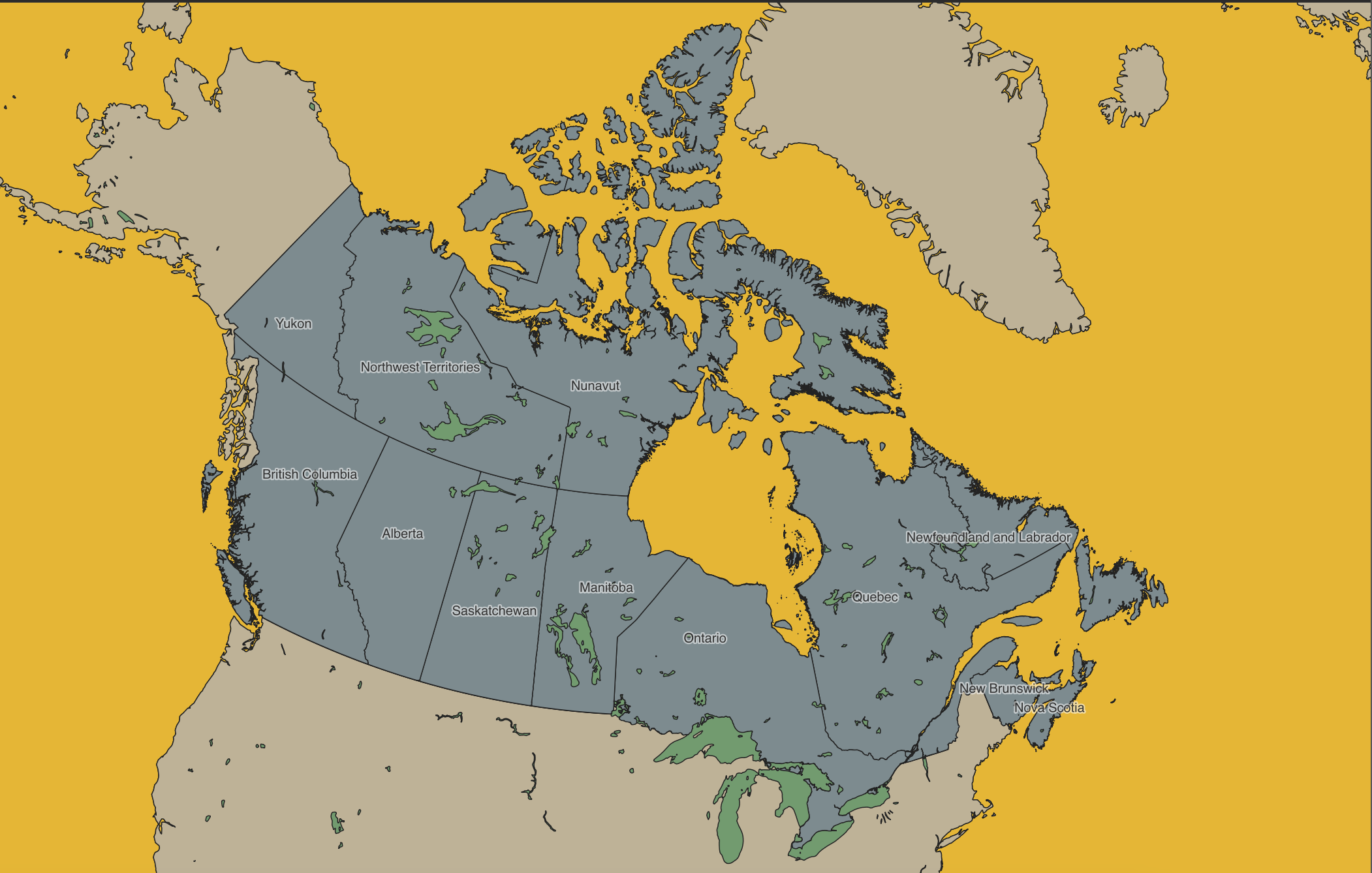
Another Layer Property useful to know is Labels. The Labels Property allows you to add labels to a layer based on a specified attribute value. You can turn off the labels at any time by returning to a layer’s properties, or by right-clicking the layer and clicking “Show Labels” again.
Add Provincial Labels
Open the Layer Properties for provinces. Navigate to Labels just beneath Symbology.
Change No Labels to Single Labels.
Set the Value to `PRENAME. This way the labels will appear as each Province’s name (English).
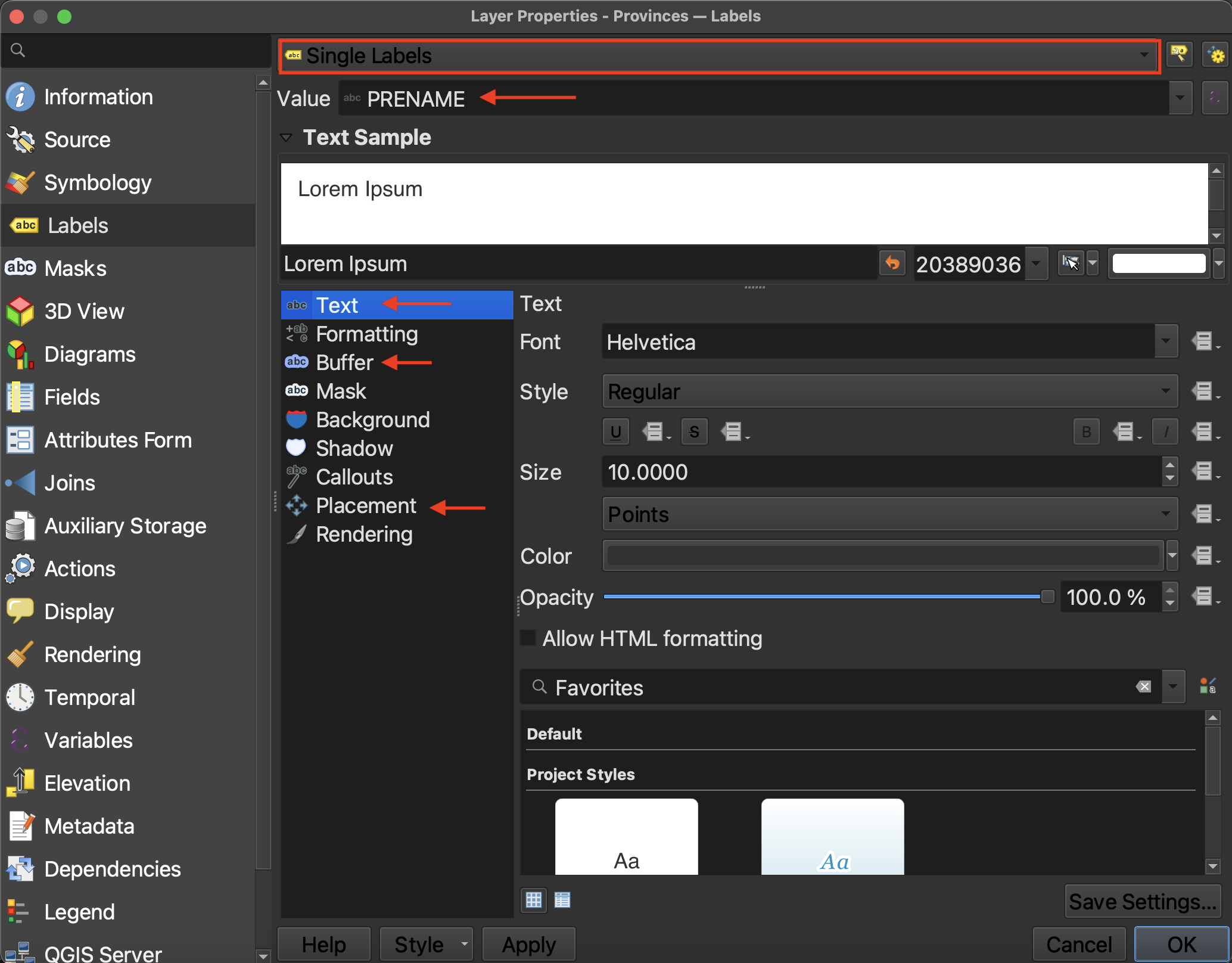
You can customize your labels quite a bit.
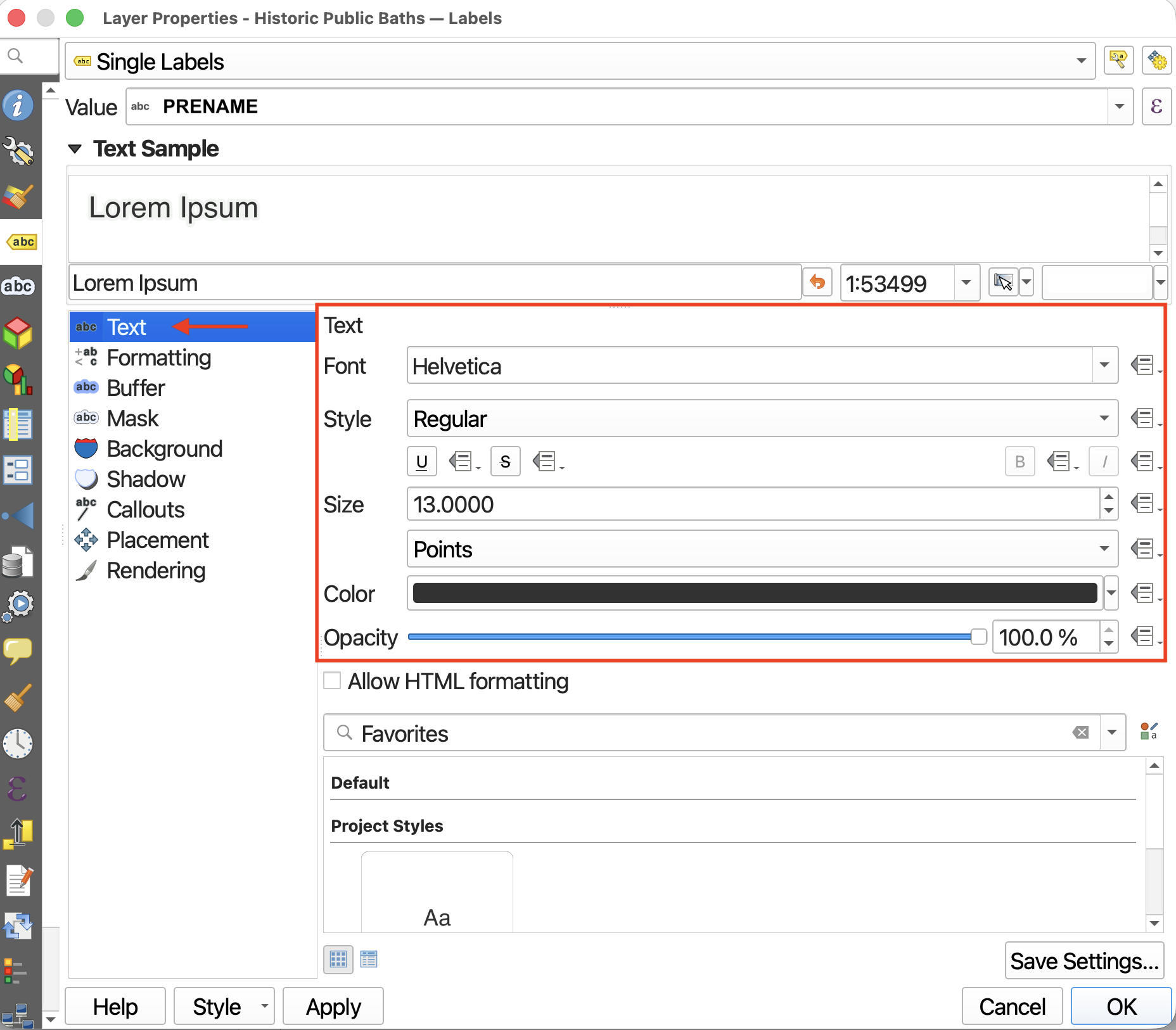
First, you can change the size, font, color, and opacity (or transparency) of your text from the Text option.
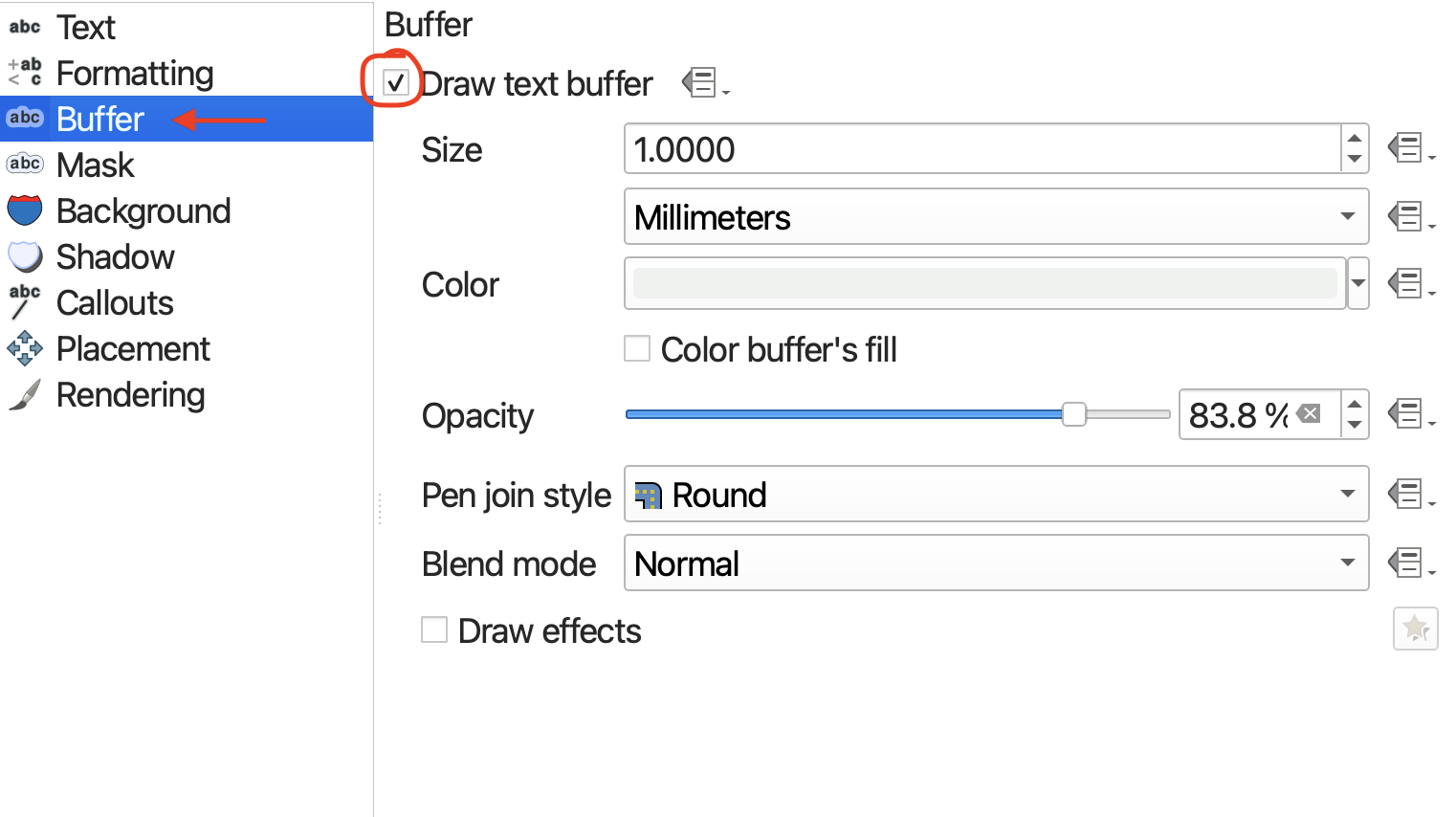
If your text is difficult to read, you can add a buffer to highlight it from the background. Considering visual hierarchy, it can be a good idea to use a semi-transparent color that’s already predominant in the map’s background to highlight your text.
Finally, you can adjust the labels’ placement around a point by going down to Placement. This is most useful when labelling polygons.
Loading last updated date...