Export your map for print!
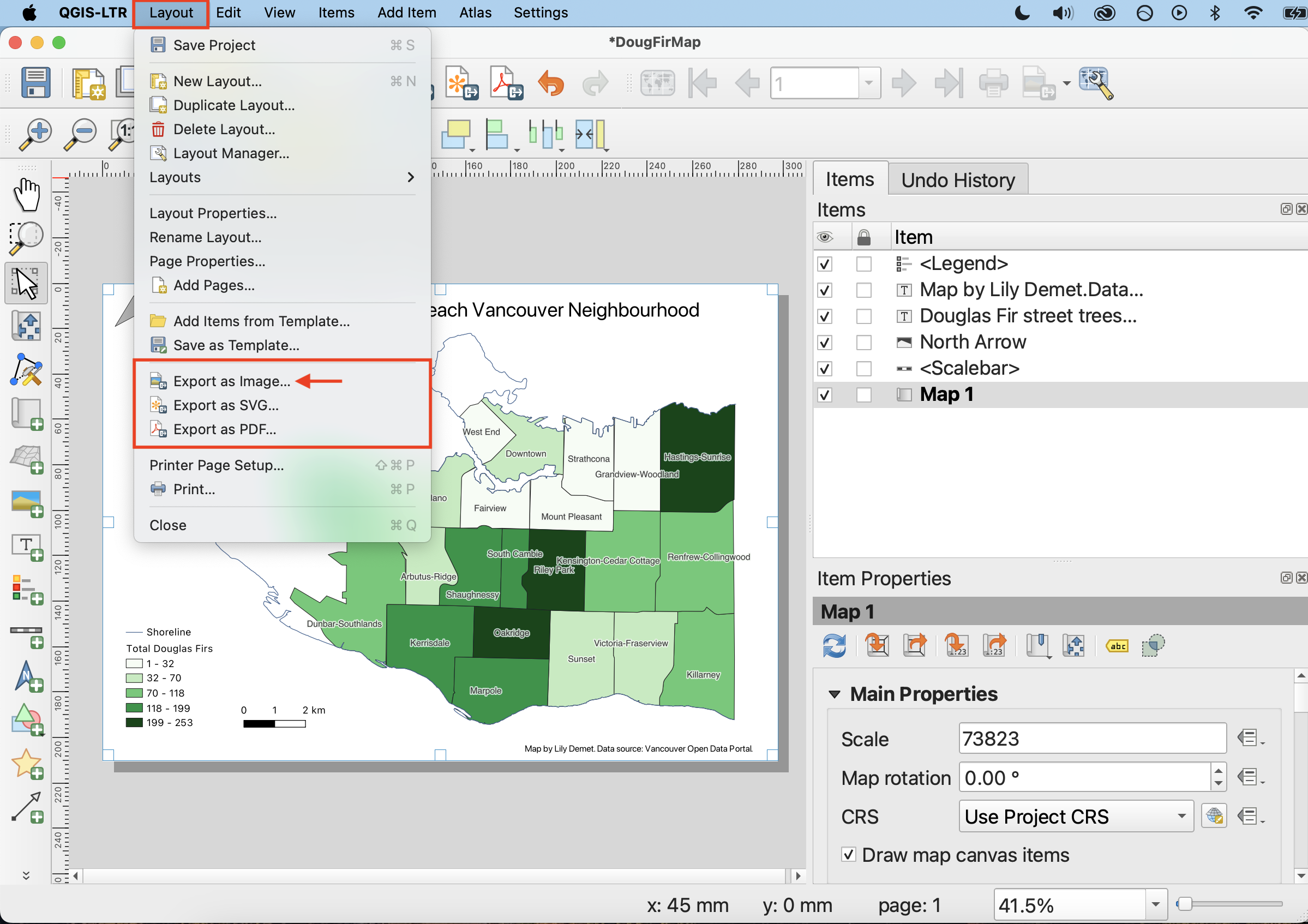
You can export your map as an image, PDF, or scalable vector graphic from the Print Layout toolbar, or from the Layout menu. You can also print your map directly from QGIS.
To Do
-
In the Print Layout Menu, click on Layout and then on Export as Image.
-
Save your file as a .jpeg image in your project folder. When exporting as an image or PDF, you will be prompted to enter the resolution. I recommend increasing the resolution to at least 500dpi, otherwise your map will be blurry.
-
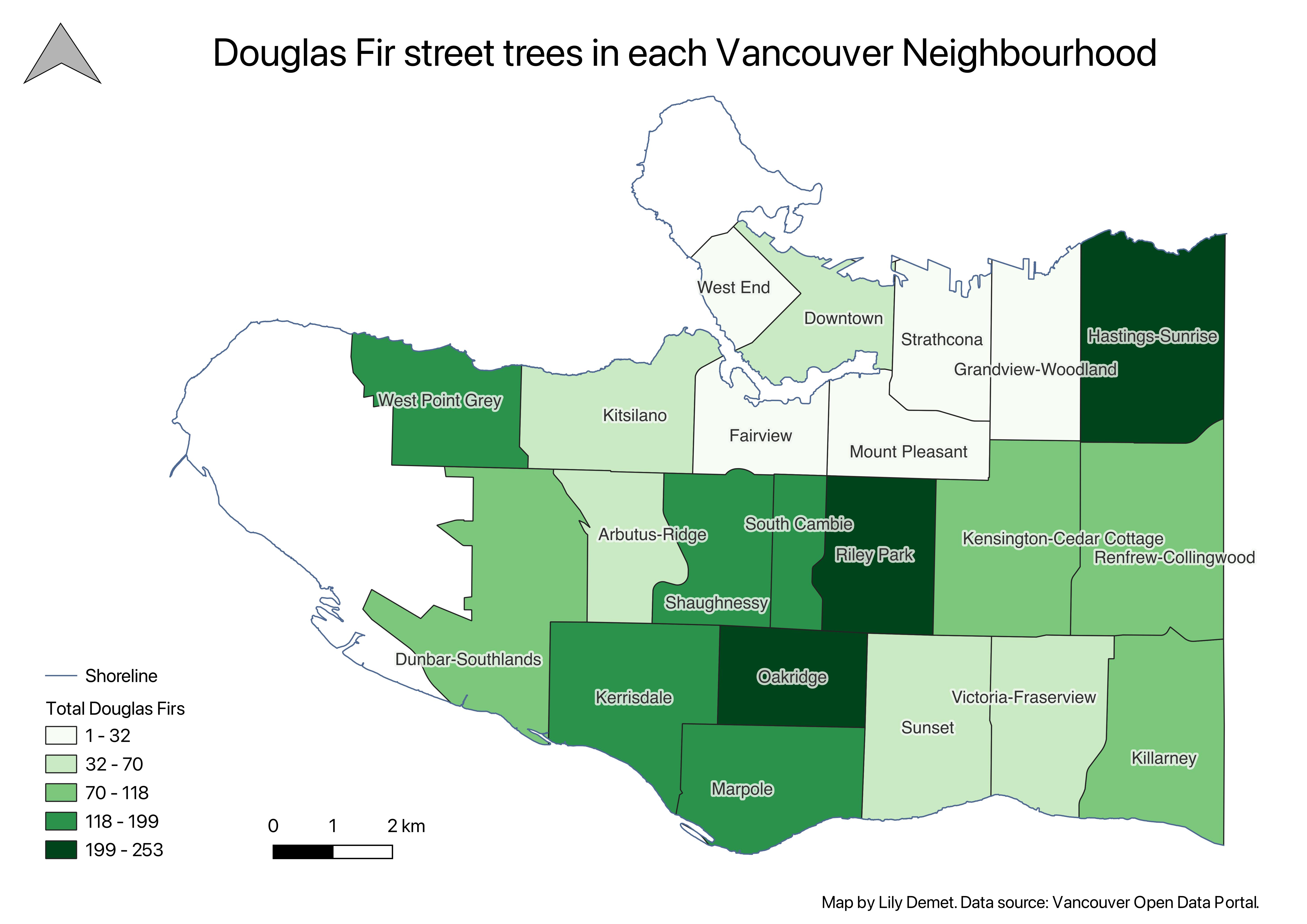
Close the print layout menu. Open your map image to see how it turned out.
-
Save your Print Layout and close it. Then Save your QGIS Project and close it as well. Congratulations! You have made a thematic map!
Loading last updated date...