What is Spatial Data?
Spatial data, sometimes called ‘geospatial data’, is data that contains locational information, most often coordinate points. Just like text documents require specific software to open and edit them, spatial data require certain software to open, view, analyze, and modify them. This course will introduce you to different tools and platforms for working with spatial data. The main kind of software for visualizing, analyzing, and modifying spatial data is Geographic Information System, or a GIS. Additionally, there are browser-based platforms for uploading and visualizing spatial data. We will talk more about GIS tomorrow, and online platforms later in the week.
However, before we turn to visualizing spatial data, we must first be able to identify data as spatial, understanding the different forms spatial data takes and how to make it legible to different mapping platforms. This is important knowledge as outside this workshop, you will not be given pre-prepared and cleaned data that’s stored in the perfect format for each task. Rather, it is most likely you will be downloading data from the web or creating and combining new data — all of which requires knowledge of data types and file formats.
Raster vs. Vector Data
There are 2 main types of spatial data: vector and raster.
Raster data is made up of pixels arranged in a grid, whereas vector data is made up of vertices and the paths between them that create geometries representing real-world features. If you’re working with continuous geospatial phenomena such as satellite imagery, topography, or climatic data (like rainfall or temperature), you’re likely using raster data. If you’re working with points, lines, or polygons, that’s likely vector data.
Vector Data
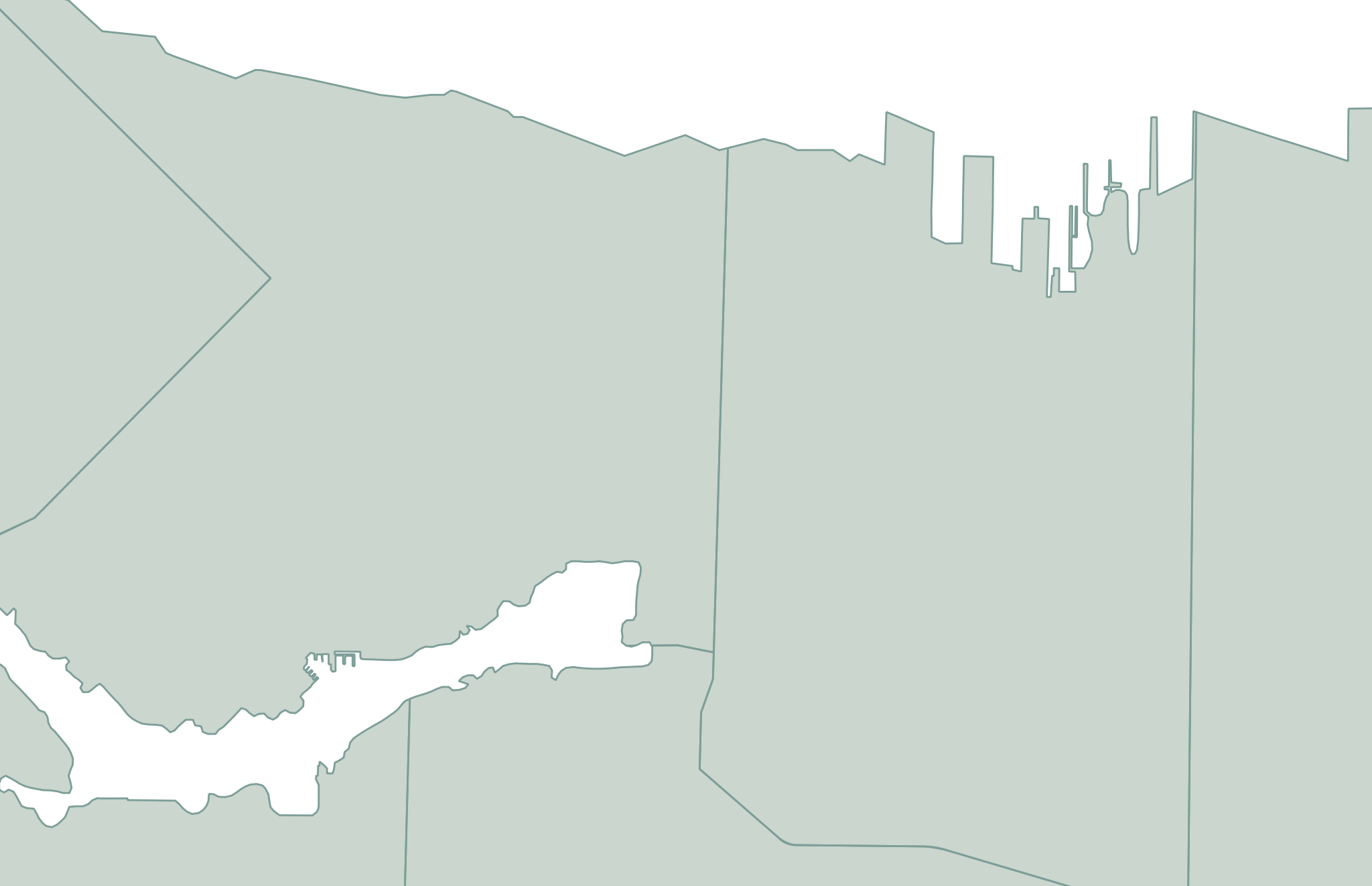
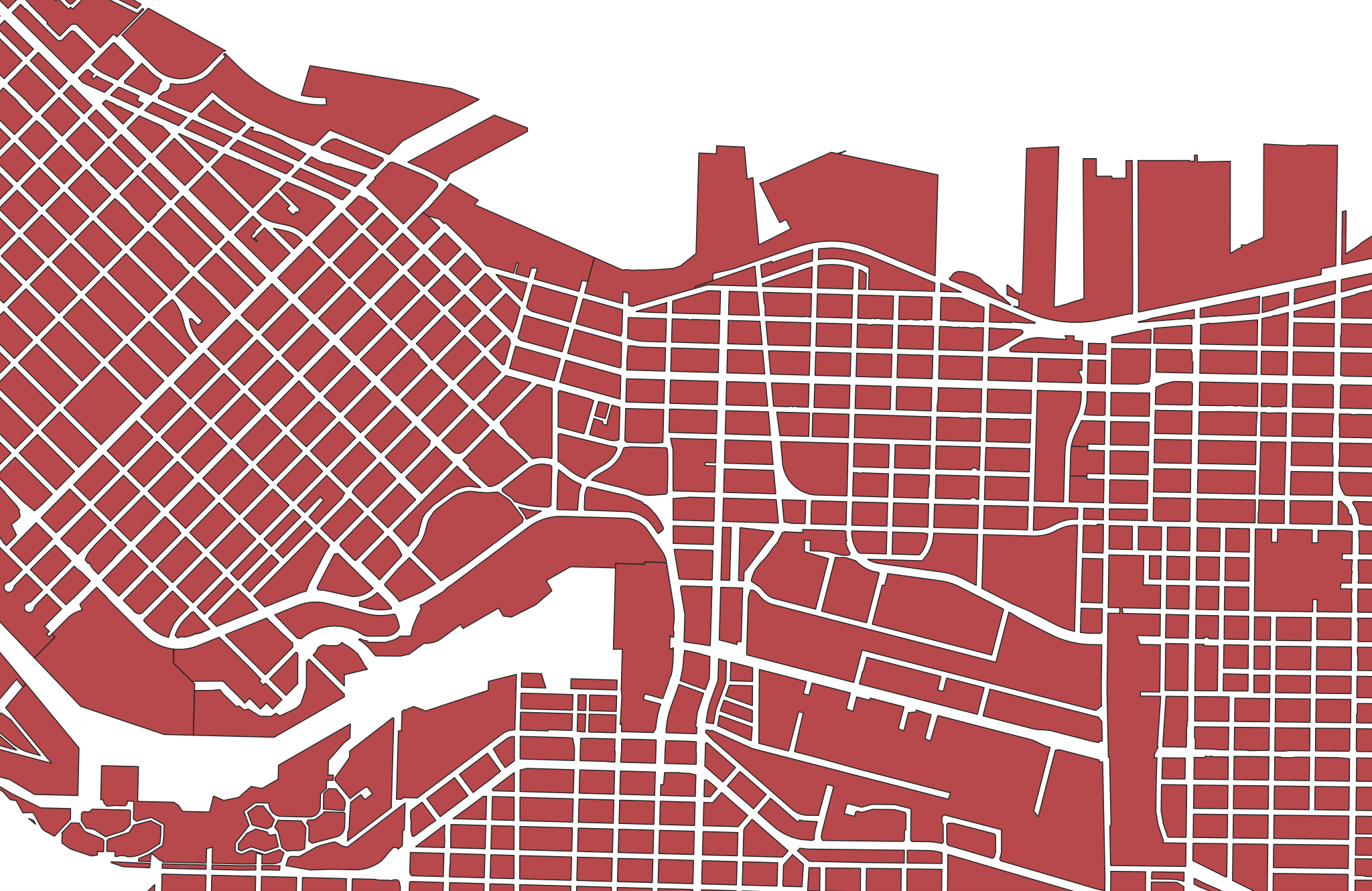
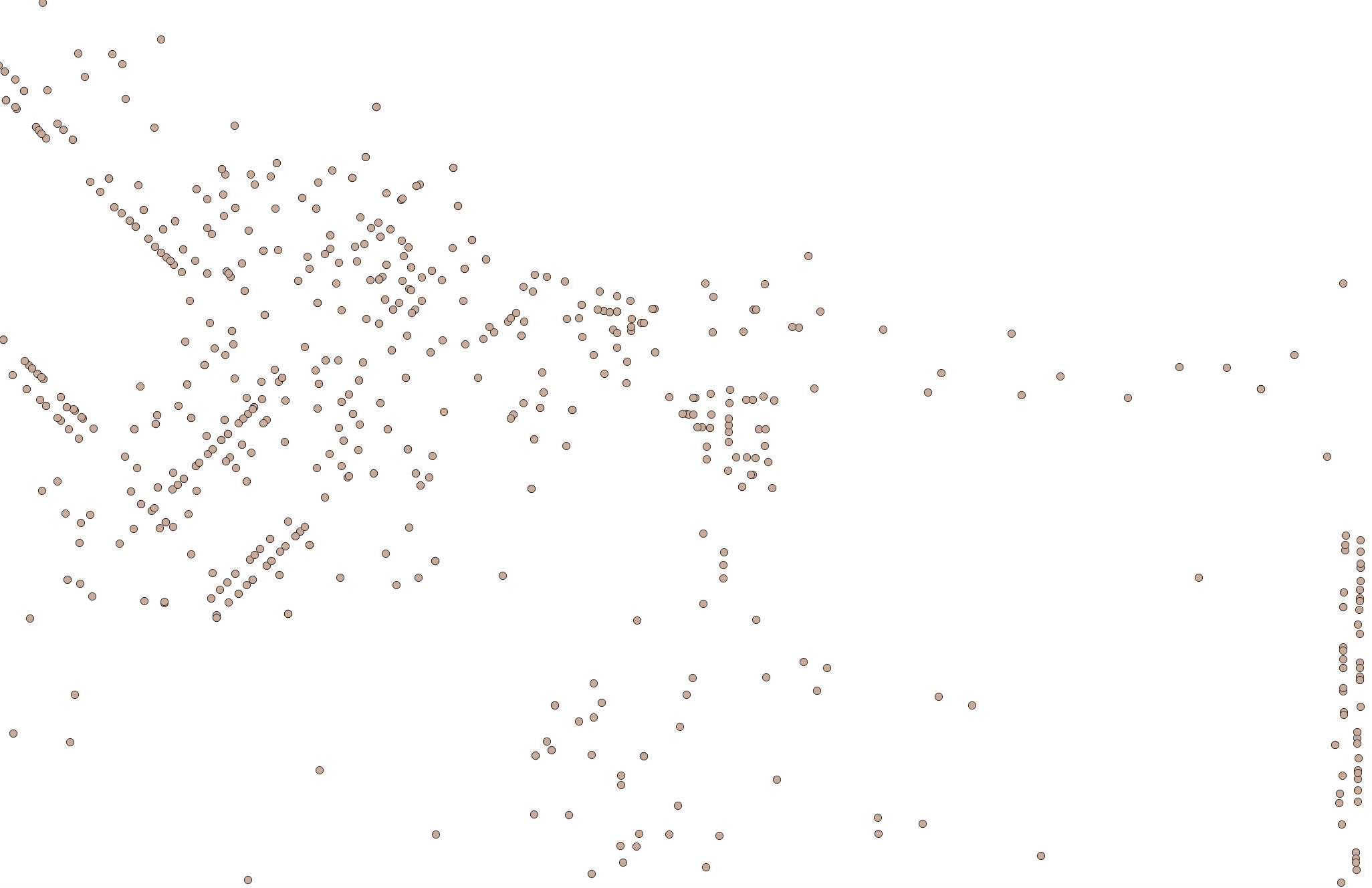
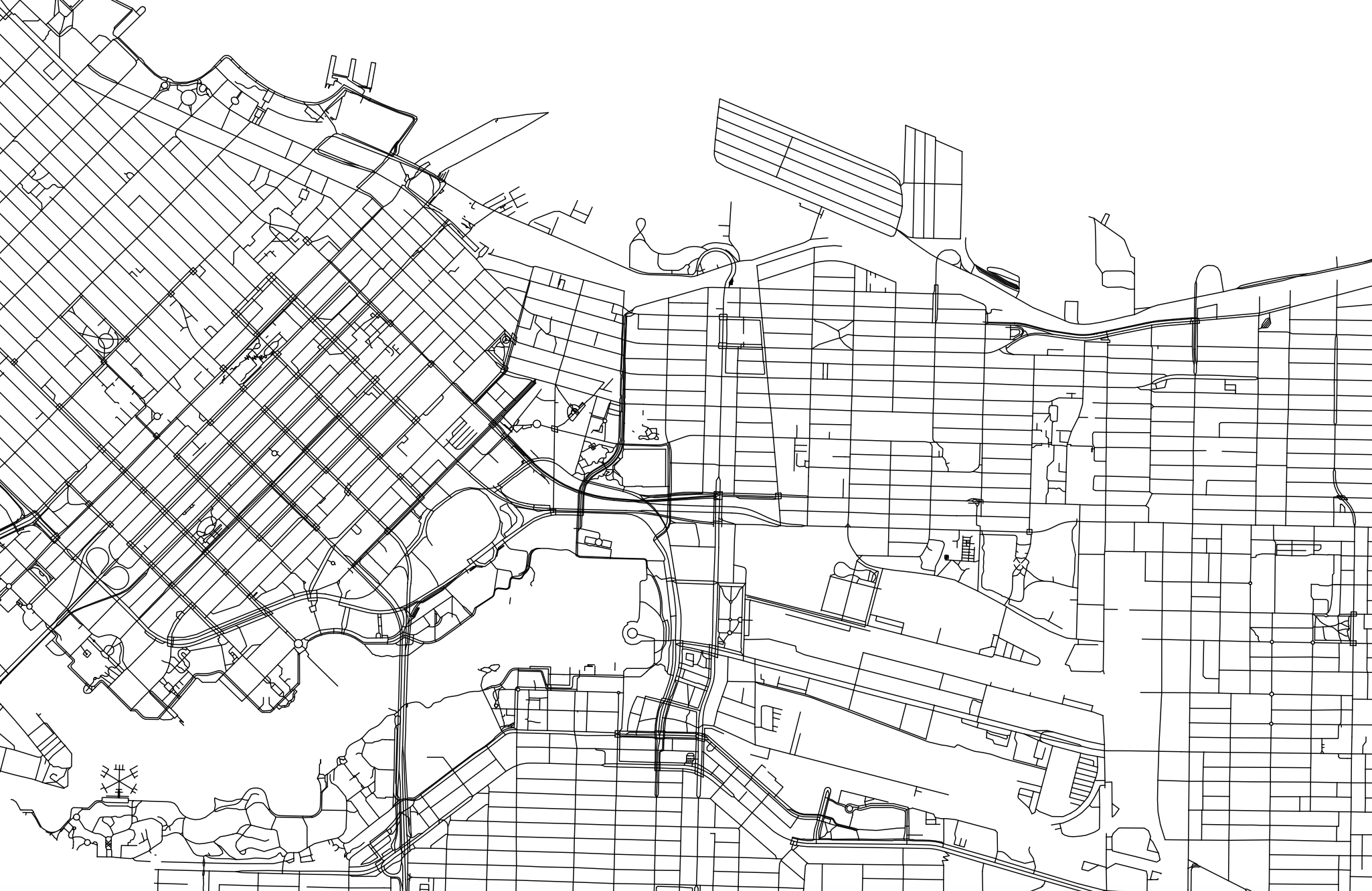
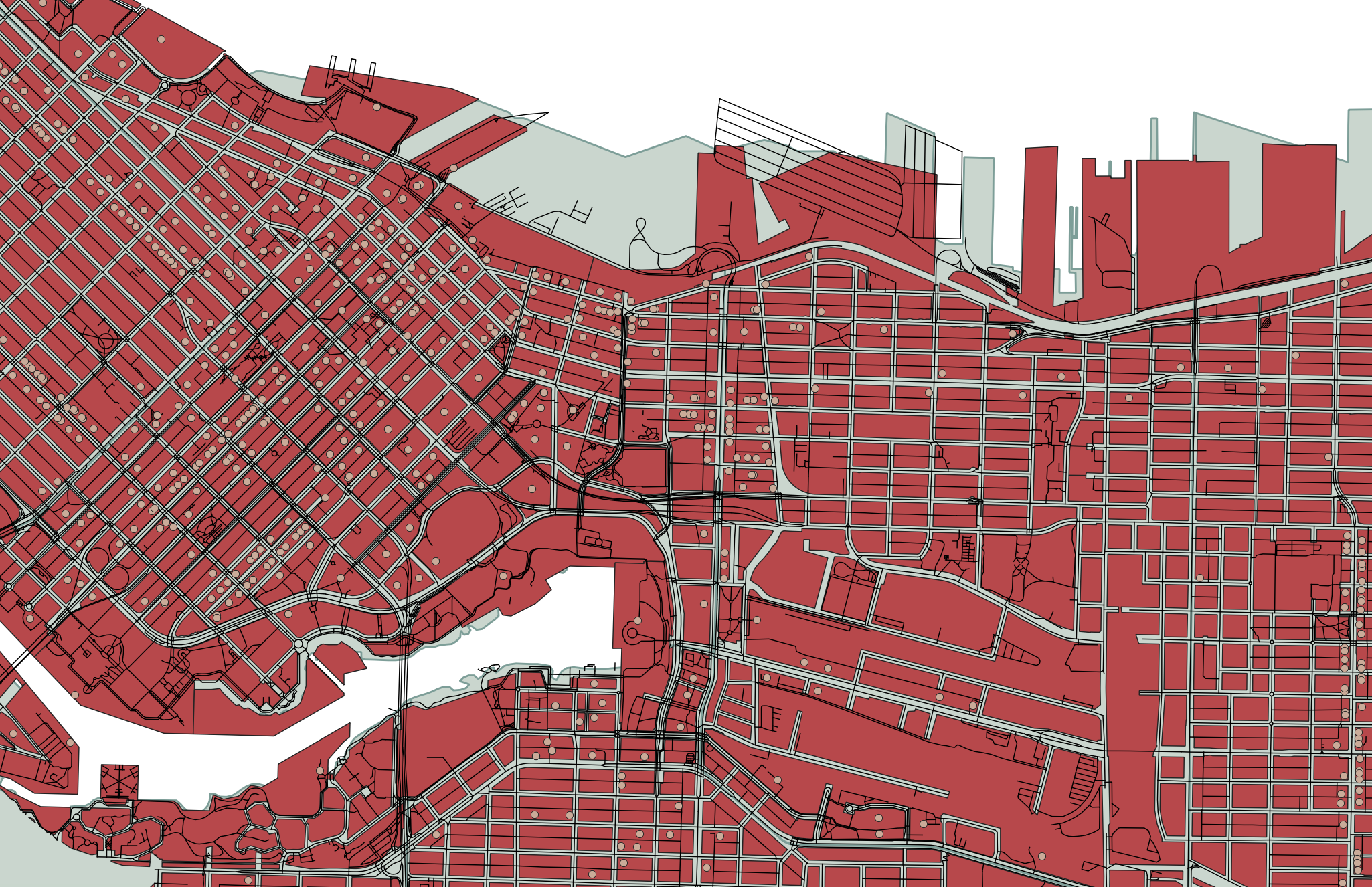
Each vector dataset will contain either points, lines, or polygons. However, a dataset can include multiple features (multiple points, or multiple lines, or multiple polygons). For example, below are a handful of vector datasets, including Vancouver neighborhoods (polygons), city blocks (polygons), restaurants (points) and streets (lines). A Geographic Information System allows you to add multiple datasets, layering them on top of each other in order to run calculations between them. For instance, in a GIS, you could load in the below datasets and then use spatial analysis tools to learn how many restaurants are within a 5 kilometer radius of a given city block, or the square area of each neighborhood.
Raster Data
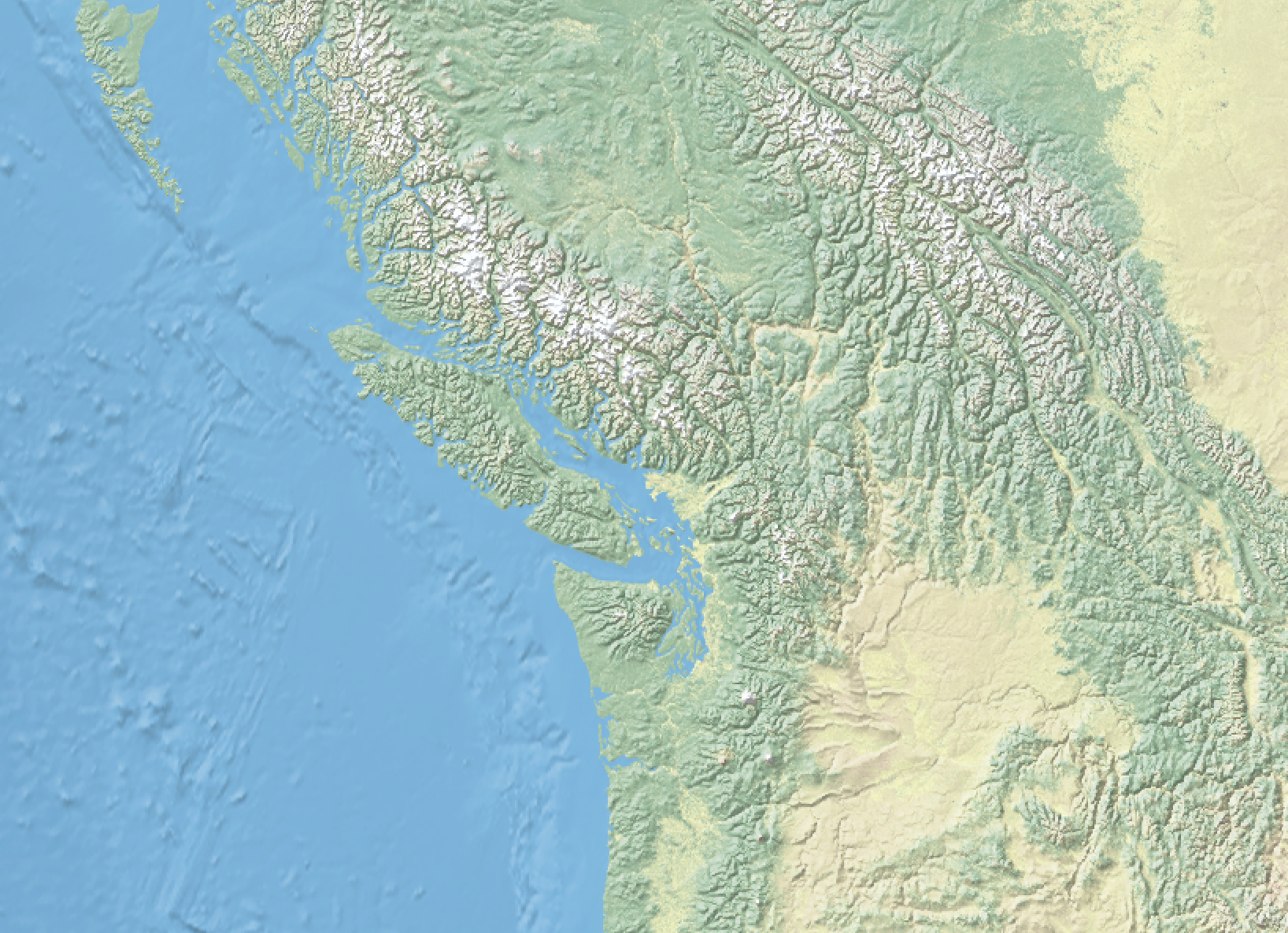
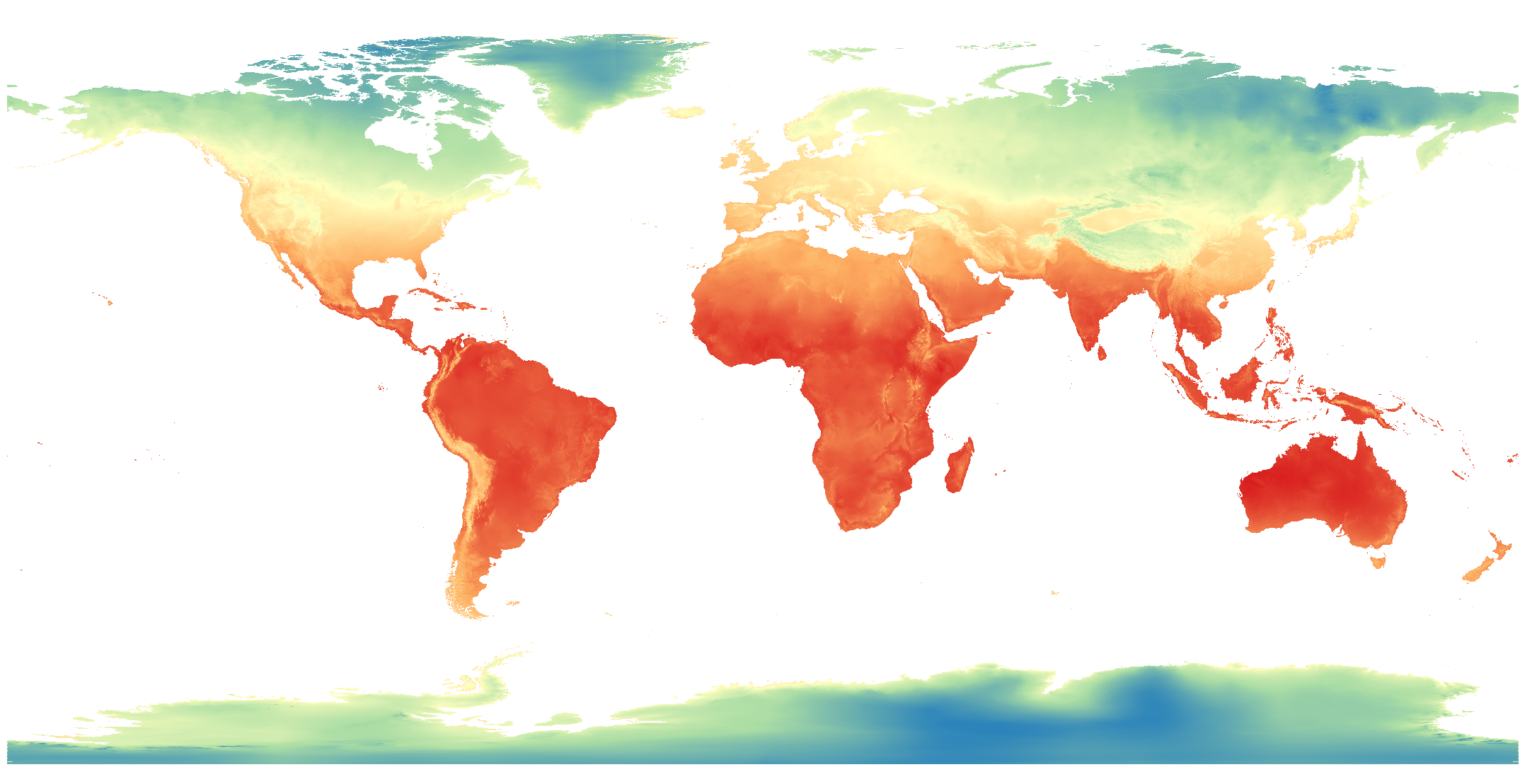
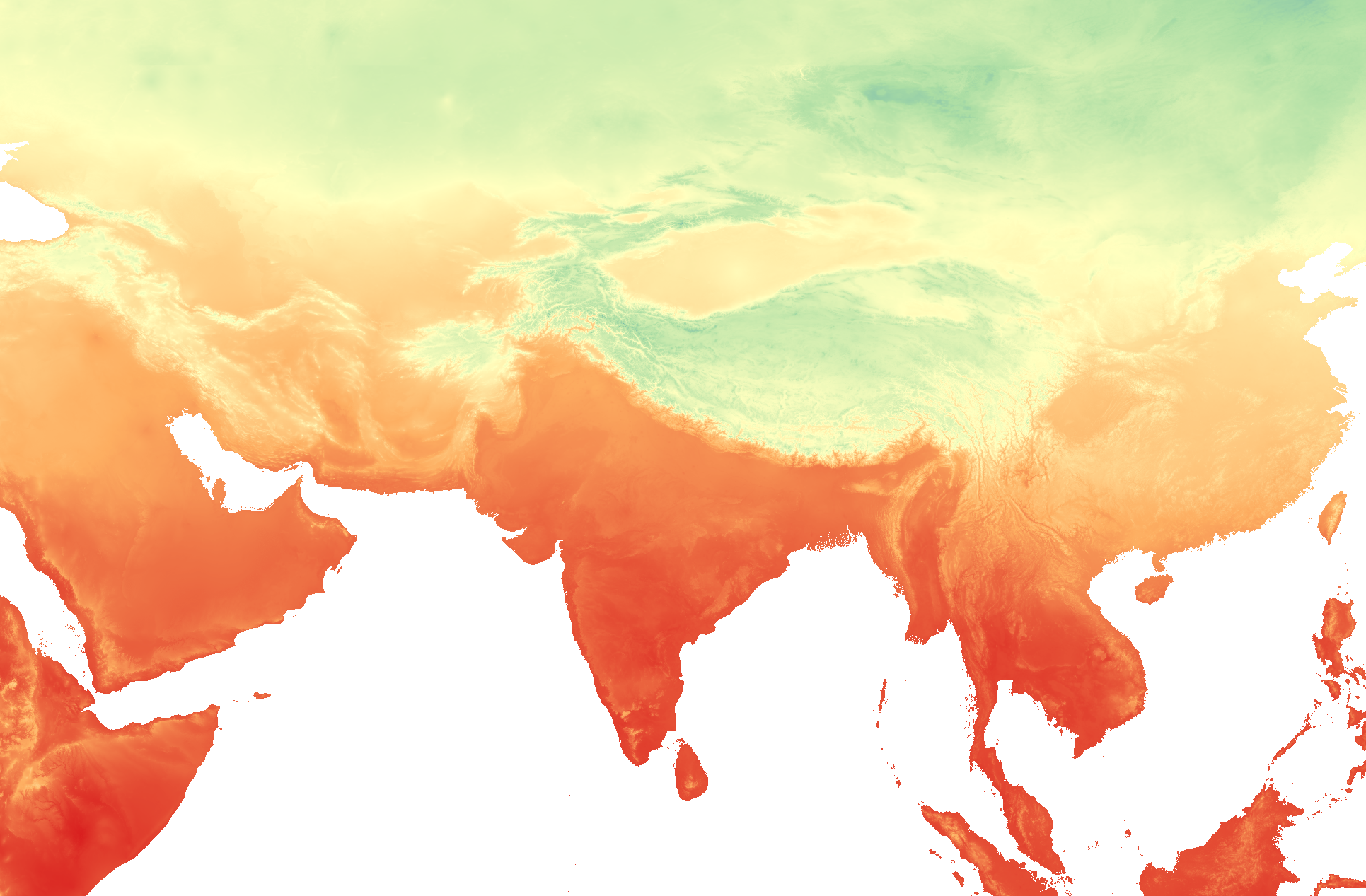
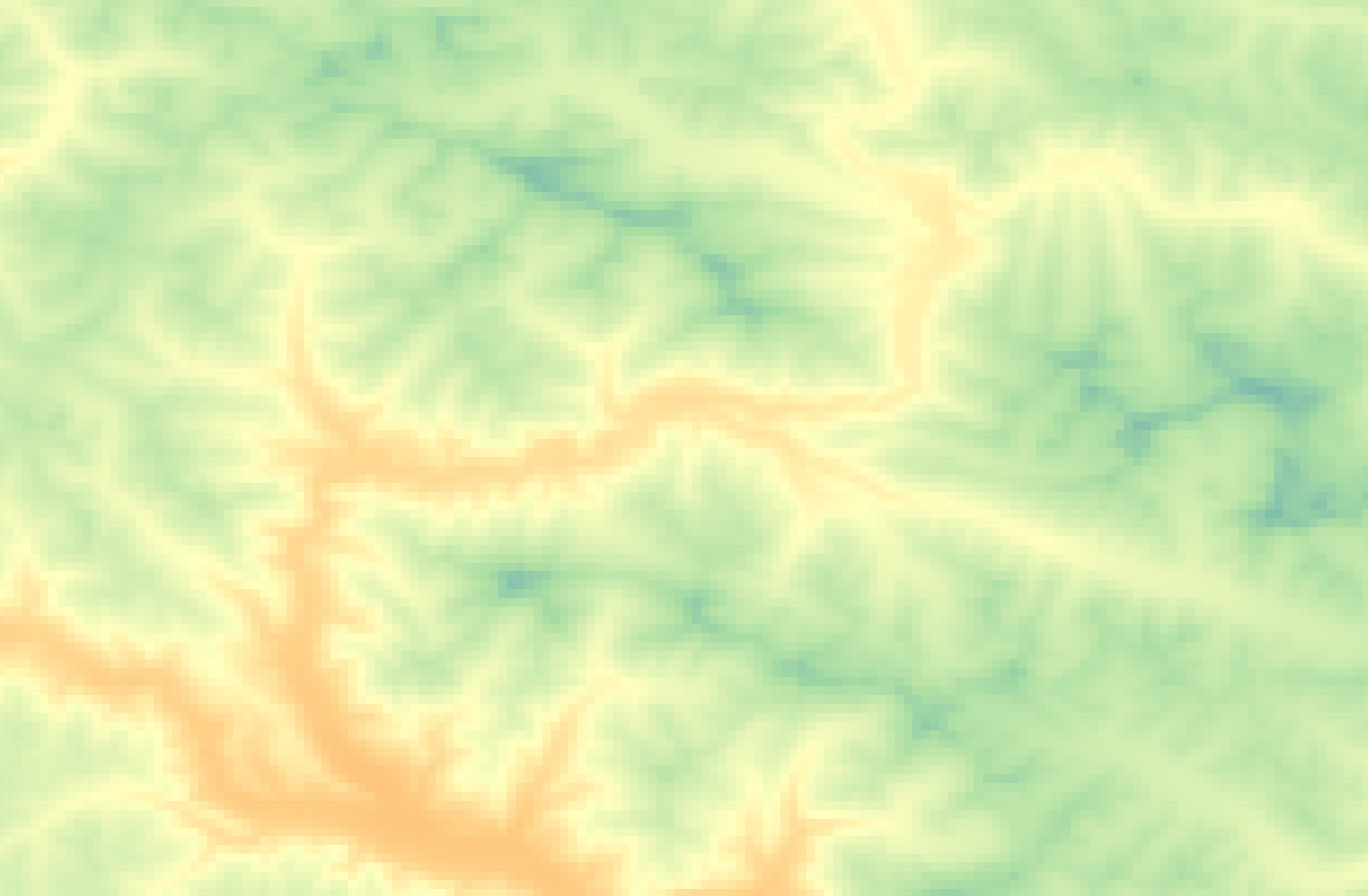
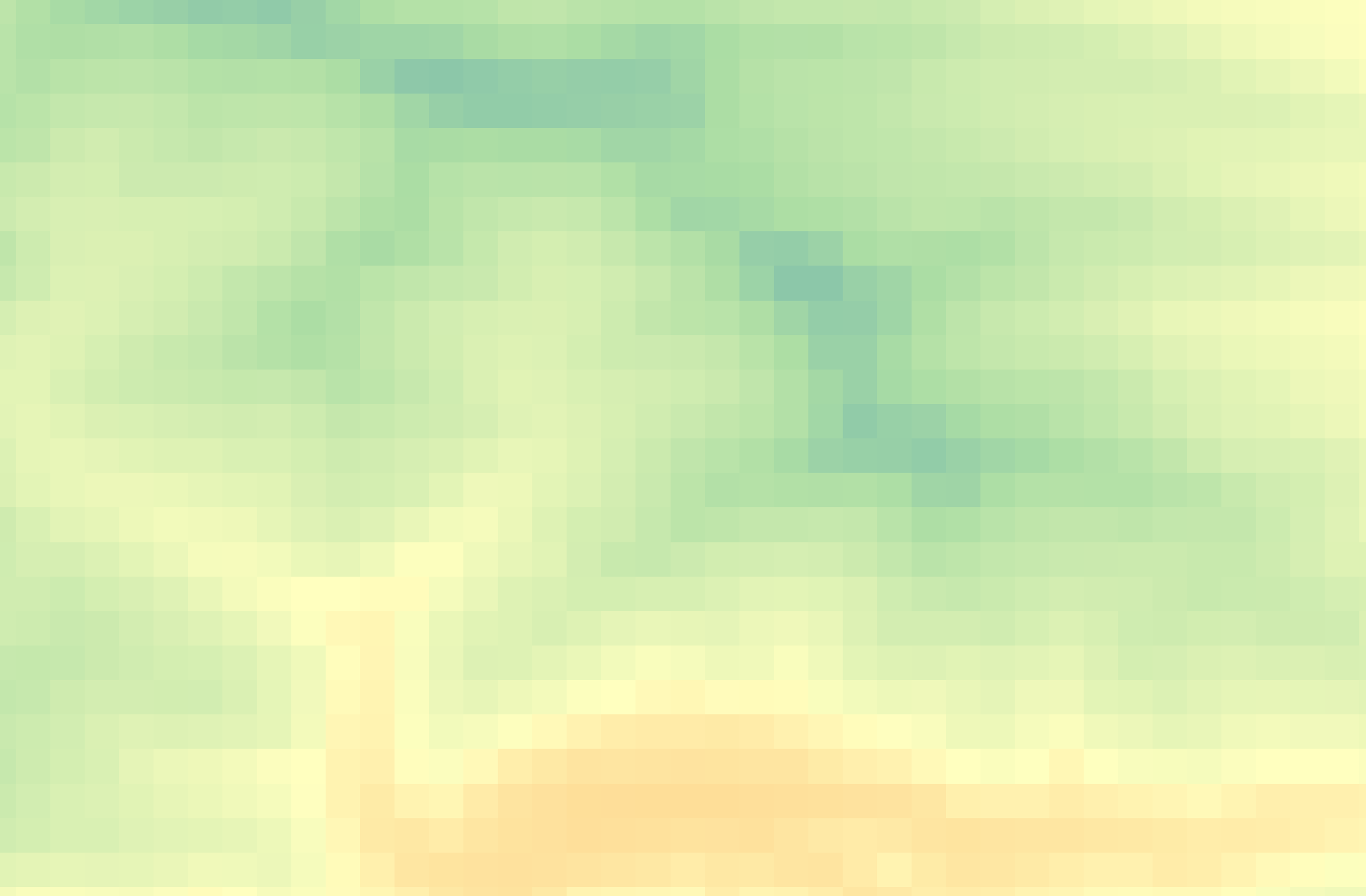
Rasters, on the other hand, can generally only store one value per pixel. This value could be a color representing different kinds of topography (think of the whites, greens, and browns representing different elevations in the image below) or the quantity of something like rainfall or temperature. Multiple rasters can be overlaid to generate a multi-part raster, but generally, each pixel of a single raster can store one value meaning your raster is showing one variable. You can also do math between raster layers, or run boolean operations to isolate all pixels that do or do not meet certain criteria. An example of this is Suitability Analysis.
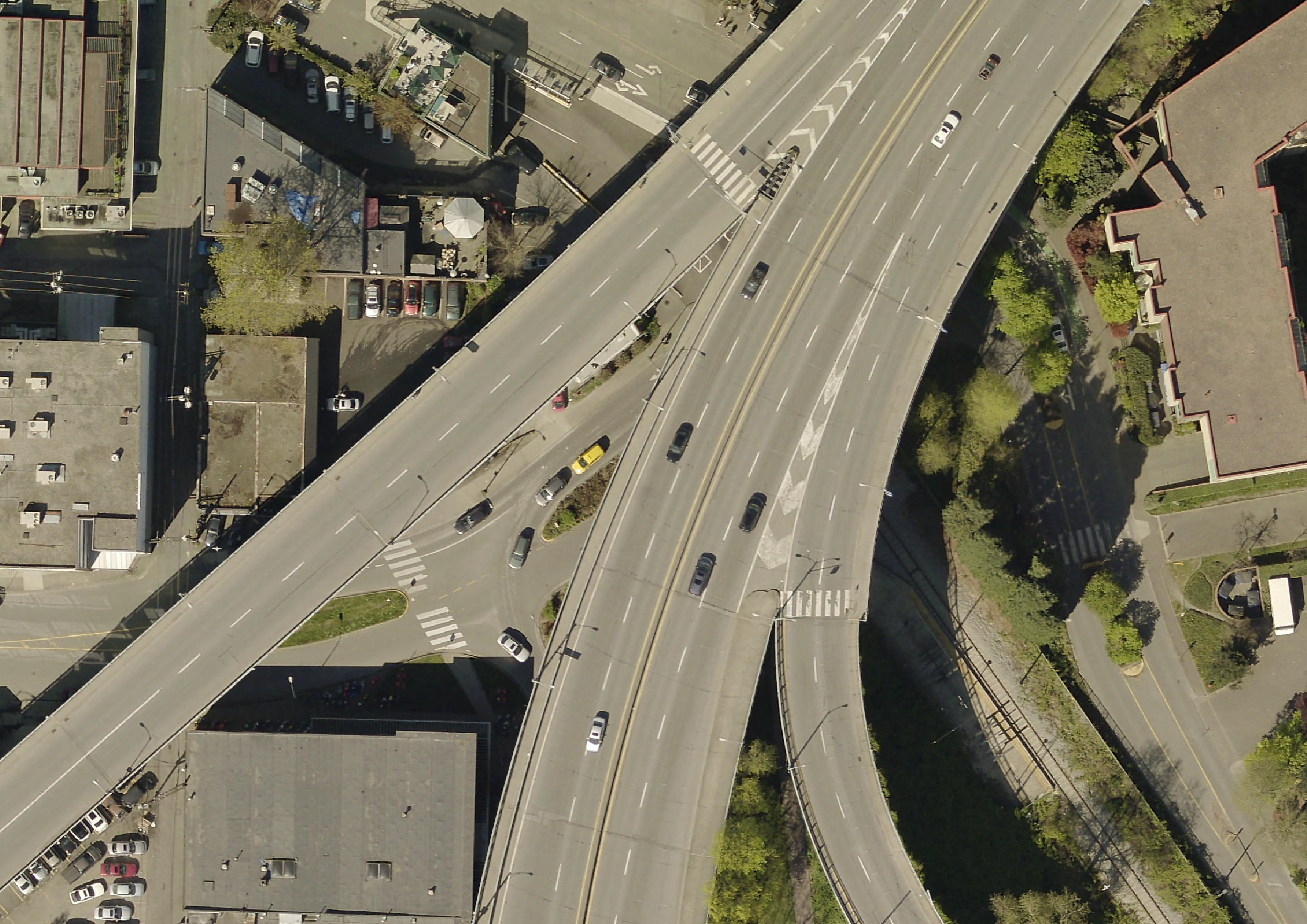
Below is an example of topography, aerial imagery, and historical rainfall for the month of February (averaged 1970-2000) from WorldClim, an excellent database of freely available historical climate data.


File Extensions
Just like a textual data can be stored in different document formats (.docx, .pdf, .txt, .rtf), spatial data can be stored in different formats. The file extensions of spatial data give us clues about the kind of data you’re working with.
Raster data will often be TIF (aka TIFF) file and have the extension .tif or .tiff. Raster data may also be in an ASCII text file, with the extension .asc, or a compressed raster file formats. See here for an exhaustive list of formats spatial data can take.
Vector data come in more diverse file formats:
- The Shapefile is an industry standard format with the extension
.shp(and a host of “sidecar files” — be sure to keep them all together). Vector data downloaded in a shapefile format will almost always need to be unzipped before use. Shapefiles store data in binary. Therefore, shapefiles are not legible to human eyes and can only be opened and visualized by a GIS. - GeoJSON, on the other hand, stores vector data in
.geojsonfiles that can be opened in a code editor or online in geojson.io. From there, geoJSON can easily be parsed with human eyes. - Spatial data might even be stored in an excel sheet or
.csvfile. See here for documentation outlining how to add CSV data as a layer to a QGIS project. - KML, or Keyhole Markup Language, is particular to Google Earth and Google Maps and doesn’t work well in a GIS. This is why, when using Google platforms, you’ll need to upload your data in either
.kmlor.csvformat.
See here for an exhaustive list of formats spatial data can take.
If your data does not have an explicit spatial component, but includes place names or addresses, with a little work, this can be made legible to tools and platforms designed to read spatial data. Also note that historical data might come in the form of a scanned map that will need to be “georeferenced”, or projected into a 2-dimensional coordinate space. Additionally, in a GIS, you can convert raster data to vector data and vector data to raster data, and extract raster values to a vector dataset.
Although the nuance of file formats might seem too detail oriented for an introduction to reference mapping, being aware of different spatial data types and formats will help you know what to download and troubleshoot why something may not be opening/working. If you have no prior experience with spatial data, this may be quite overwhelming right now. However, with a little bit of practical experience under your belt file formatting will quickly become common sense to you.
If your data’s locative information is in the form of text — for example, country/city names or street addresses — this can be made legible to a GIS with a few extra steps (see geocoding). You may have to create new columns and populate them with coordinate information.
The DHSI course dataset
Table of contents
Loading last updated date...