Downloading & Installing QGIS
QGIS can be downloaded from qgis.org’s Downloads page. In most cases, you’ll want to download and install the Long term release instead of the latest release. This will give you most of the functionality you’ll need without encountering the software bugs of newly released versions.
To Do
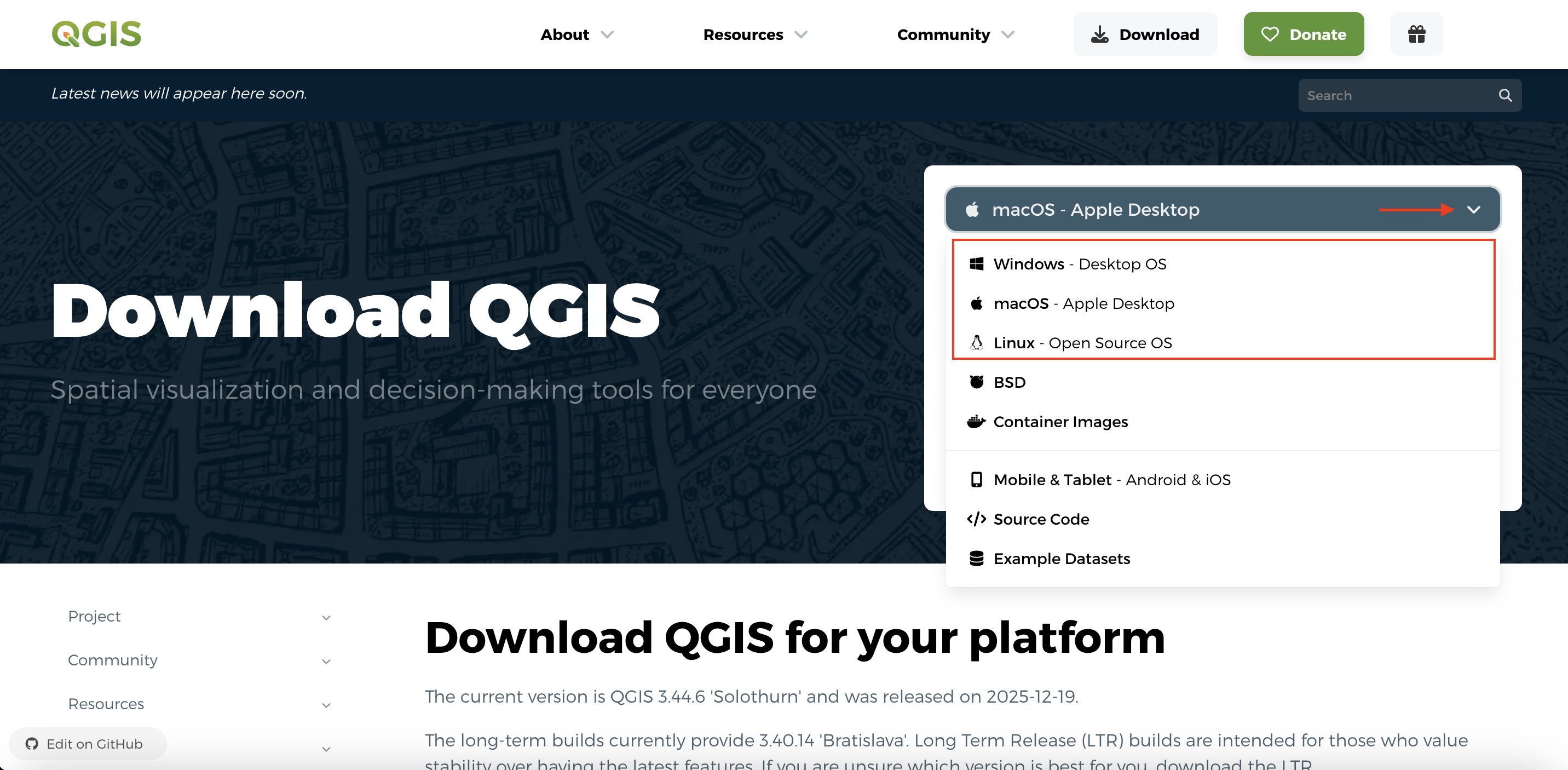
Install QGIS for your operating system. From qgis.org’s Downloads page, select your computer’s operating system from the drop-down menu.
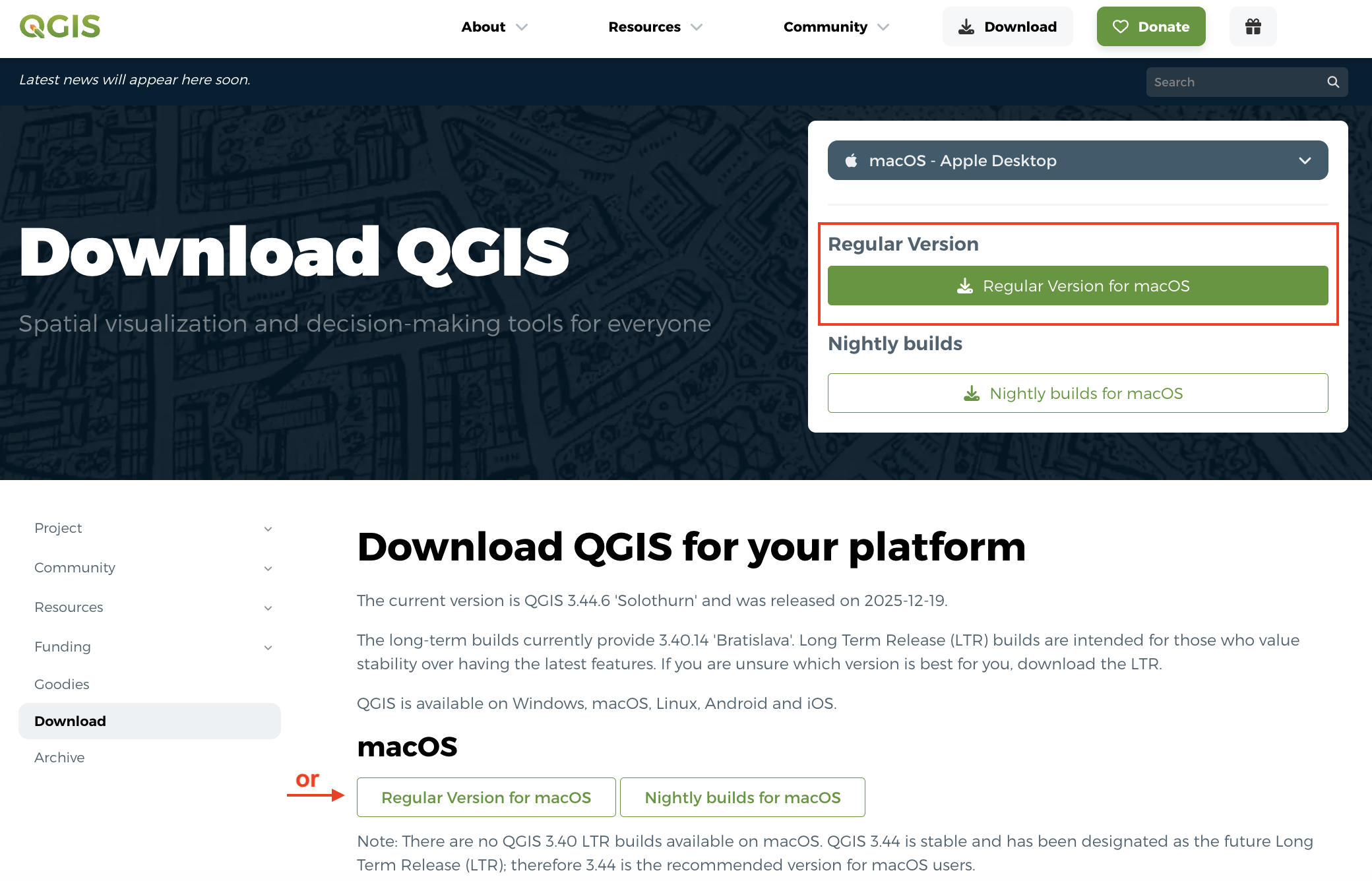
For Mac, choose the “Long Term Release” (if available)
The long term release is less buggy and won’t crash (as often). If no long term version exists, download the “regular verion”. Avoid nightly builds as they can be more buggy.
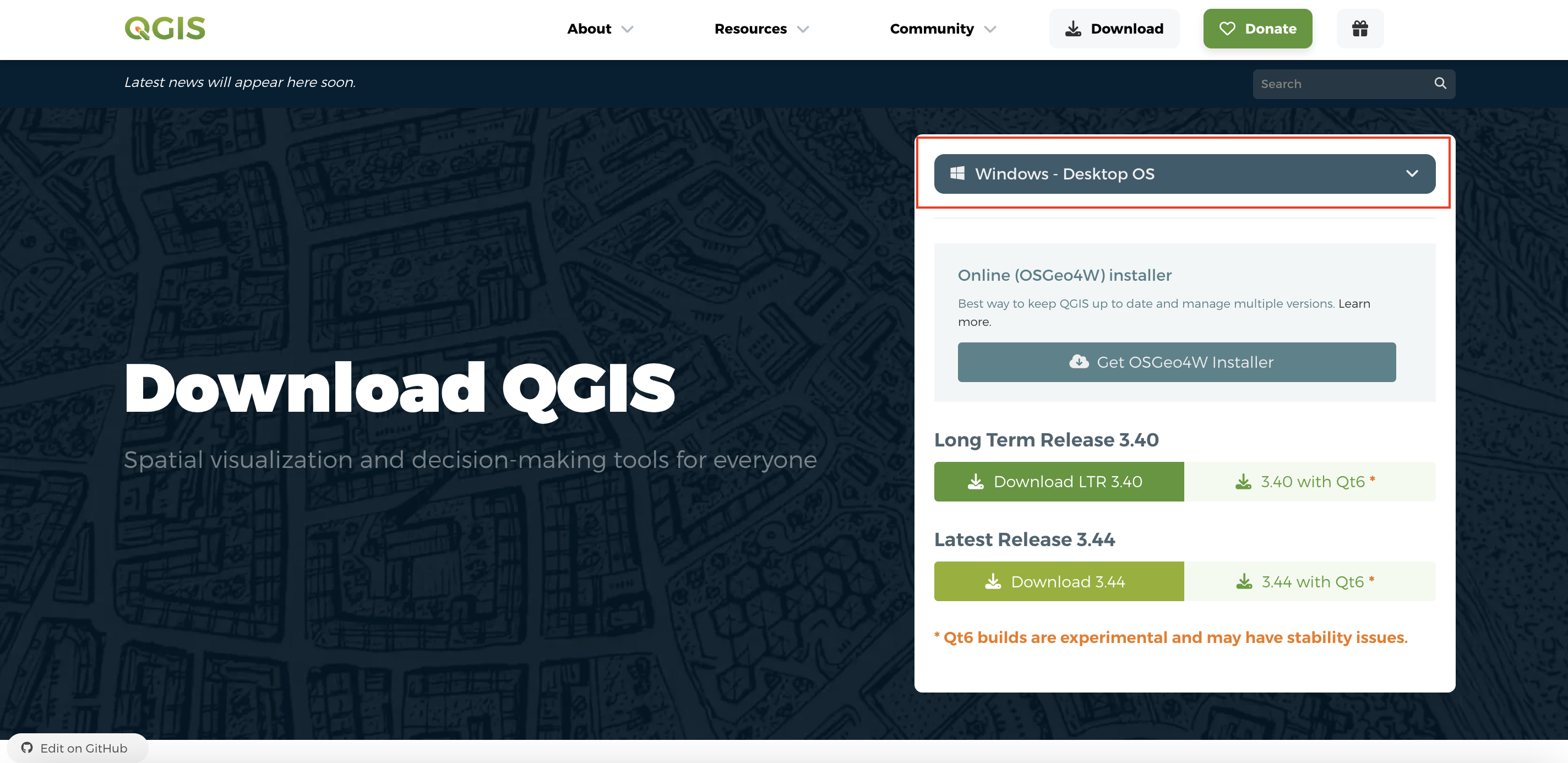
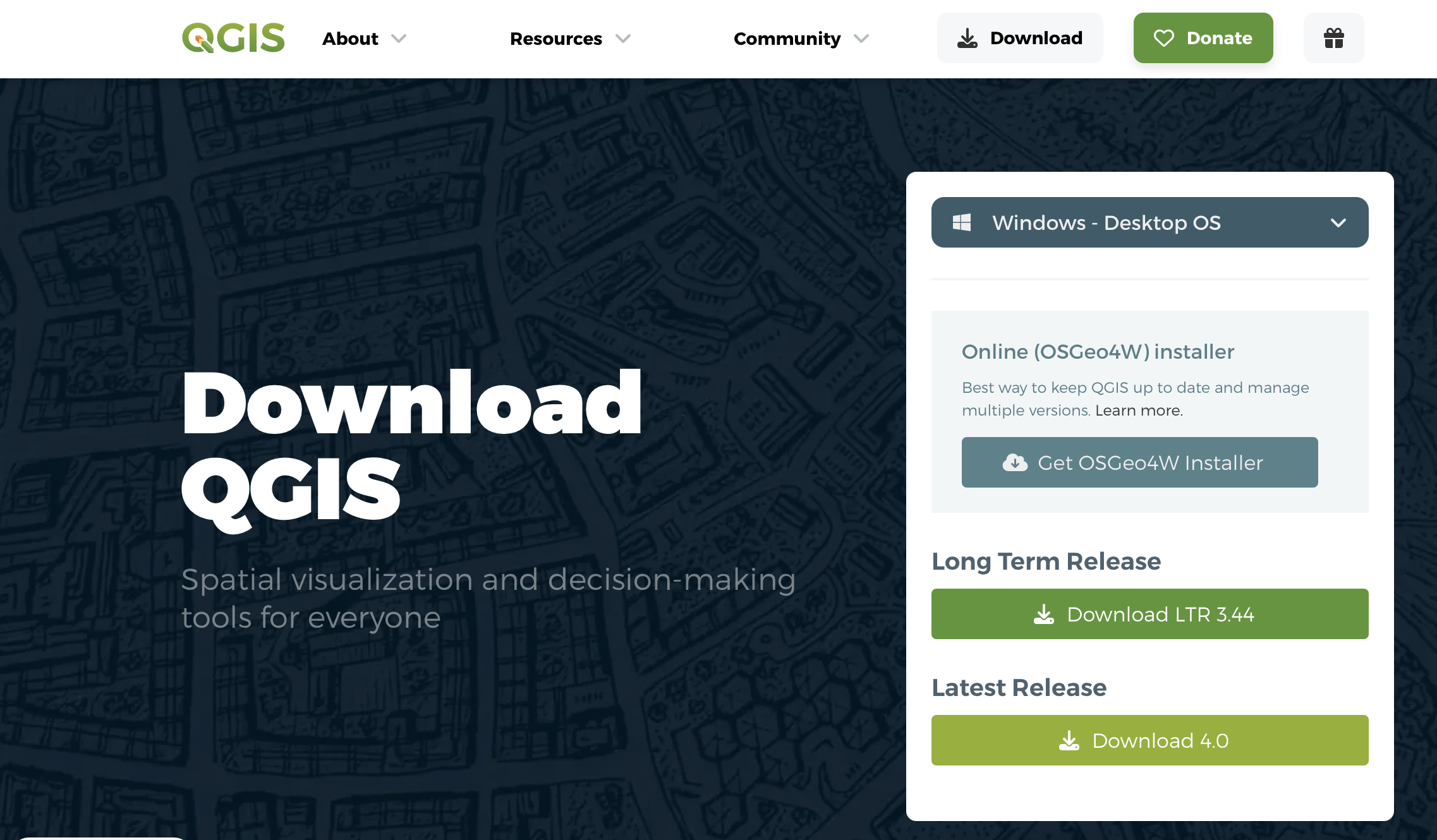
For Windows, choose the Long Term Release
Later on in this workshop, you will be given a tour of the interface, as well as guided through adding data to a project and saving your project. For now, just make sure you have properly downloaded QGIS and are able to launch it. See below for troubleshooting tips if you’re working on a Mac computer.
Troubleshooting
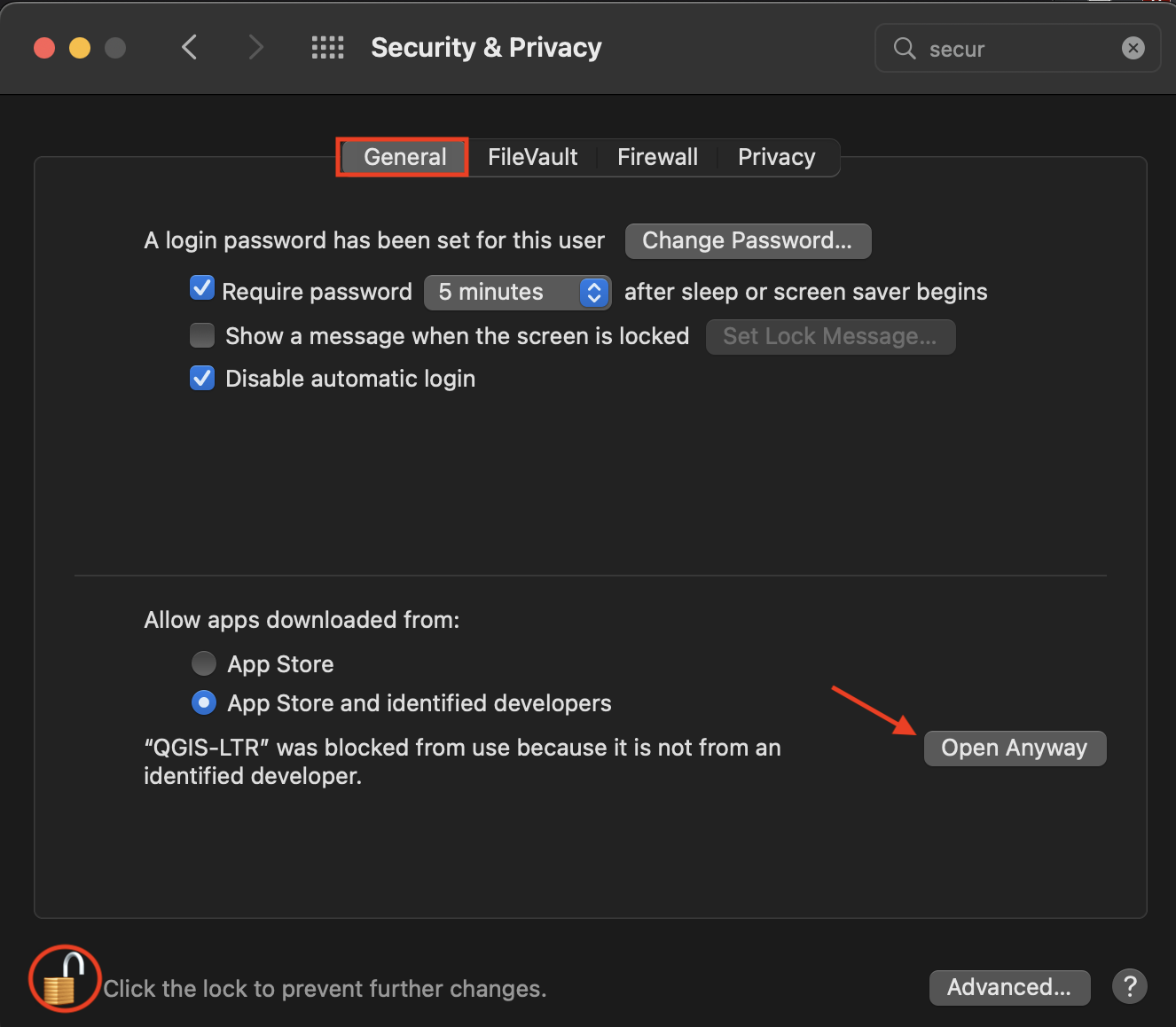
If you’re working on a MacOS and get the message: “QGIS-LTR can’t be opened because Apple cannot check it for malicious software” when you try to open the application, go to System Preferences –> Security & Privacy –> General and unlock your settings. At the bottom of the dialogue box you will see an option to Open Anyway. Click that, then re-lock your settings and try again to open the QGIS-LTR application.
Loading last updated date...